
Digital compositing course
Welcome to our Digital Compositing course with Nuke! Designed for aspiring VFX and Lighting/Compositing artists for animation, this course will guide you from scratch to learning Nuke. You’ll learn how to create stunning visual worlds and composite your own animation and VFX shots. Taught by Iván M. Benítez.
In our Digital Compositing course with Nuke, we will teach you the secrets behind the stunning images you see in movies, TV shows, and video games. You’ll learn how to composite separately rendered elements into a scene in Nuke, manipulate images to achieve realistic results, integrate 3D, work with Light Groups and AOVs, and apply high-quality visual effects. From color correction to the integration of fantastical creatures, all the way to fully compositing an animation shot from scratch.
What will you learn?
Digital compositing is key to shaping the final look of an image, building atmosphere, and clearly communicating visual intent by bringing all elements together into a cohesive and believable result.
In this course, you will learn the fundamentals and tools applied to digital compositing, including:
View learning blocks
Nuke basics
Learn from scratch how Nuke works, understand its node-based logic, and build the foundations to create professional compositing workflows efficiently.
Image manipulation
Master key nodes such as Merge, Premult, Shuffle, and Masks to combine elements and control every part of your image.
Color, retouching, and visual control
Color correction, grading, look development, and tools to transform and adapt any shot to a cinematic level.
Keying, tracking, and integration
Chroma key, rotoscoping, and tracking techniques to seamlessly integrate elements into any scene.
AOVs, Light Groups, and advanced rendering
Professional workflows with EXR files, render passes, relighting, motion vectors, defocus, and full control over the render in comp.
Advanced compositing and final shots
Cryptomatte, 3D compositing, camera work, full integration, and creation of production-ready final shots.
Nuke basics
Learn from scratch how Nuke works, understand its node-based logic, and build the foundations to create professional compositing workflows efficiently.
Image manipulation
Master key nodes such as Merge, Premult, Shuffle, and Masks to combine elements and control every part of your image.
Color, retouching, and visual control
Color correction, grading, look development, and tools to transform and adapt any shot to a cinematic level.
Keying, tracking, and integration
Chroma key, rotoscoping, and tracking techniques to seamlessly integrate elements into any scene.
AOVs, Light Groups, and advanced rendering
Professional workflows with EXR files, render passes, relighting, motion vectors, defocus, and full control over the render in comp.
Advanced compositing and final shots
Cryptomatte, 3D compositing, camera work, full integration, and creation of production-ready final shots.
Level and exercises
Level
Learn Nuke from scratch to a professional level, including 3D integration and full shot compositing. No prior experience is required. Nuke is the industry-standard software, making it essential to master.
Exercises and final project
Throughout the course, you will complete practical exercises, starting from fundamentals like color correction or Merge, up to a final project where you will composite a full animation shot from scratch using all the separate render layers.
Iván Benítez
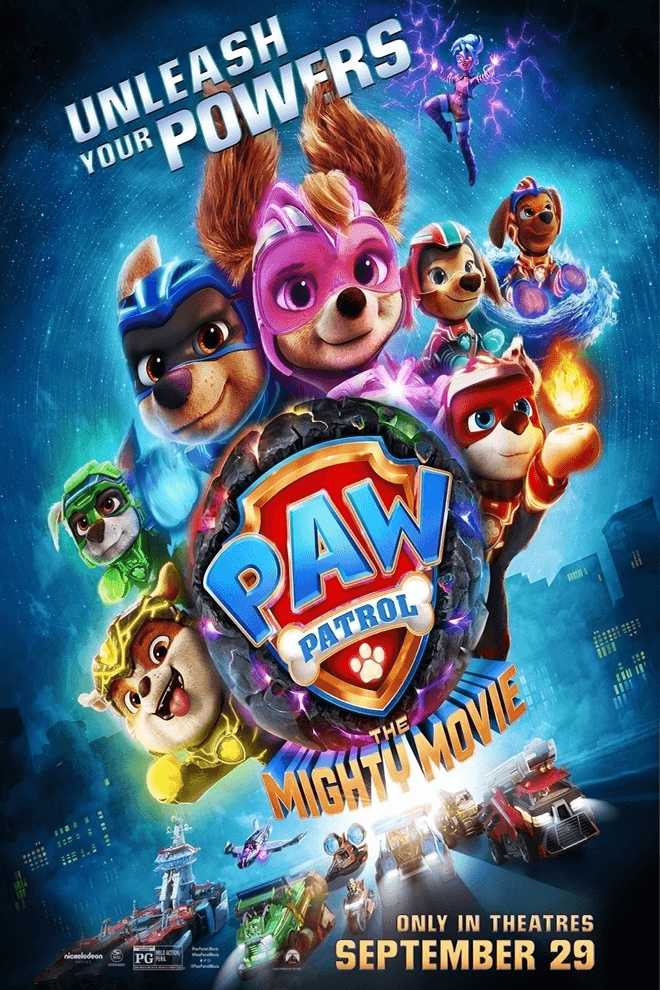
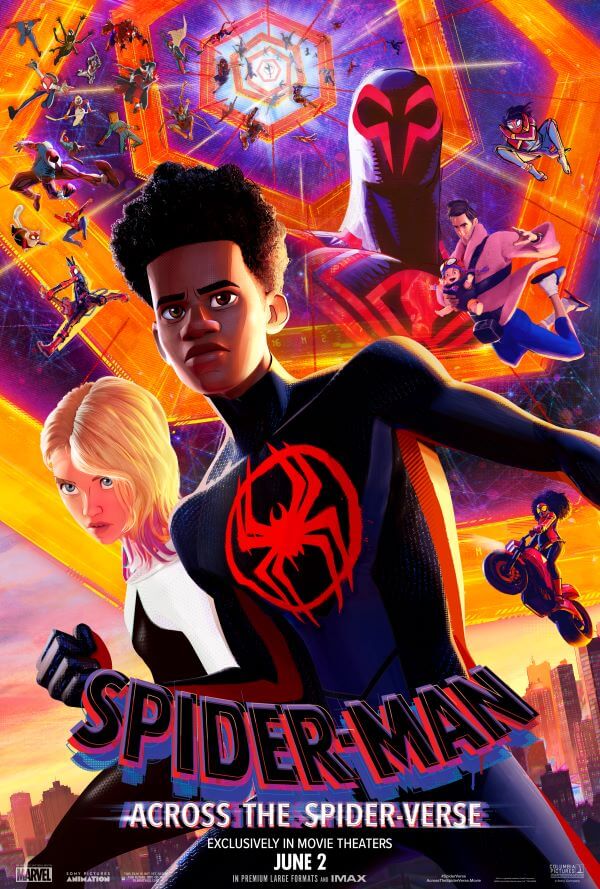
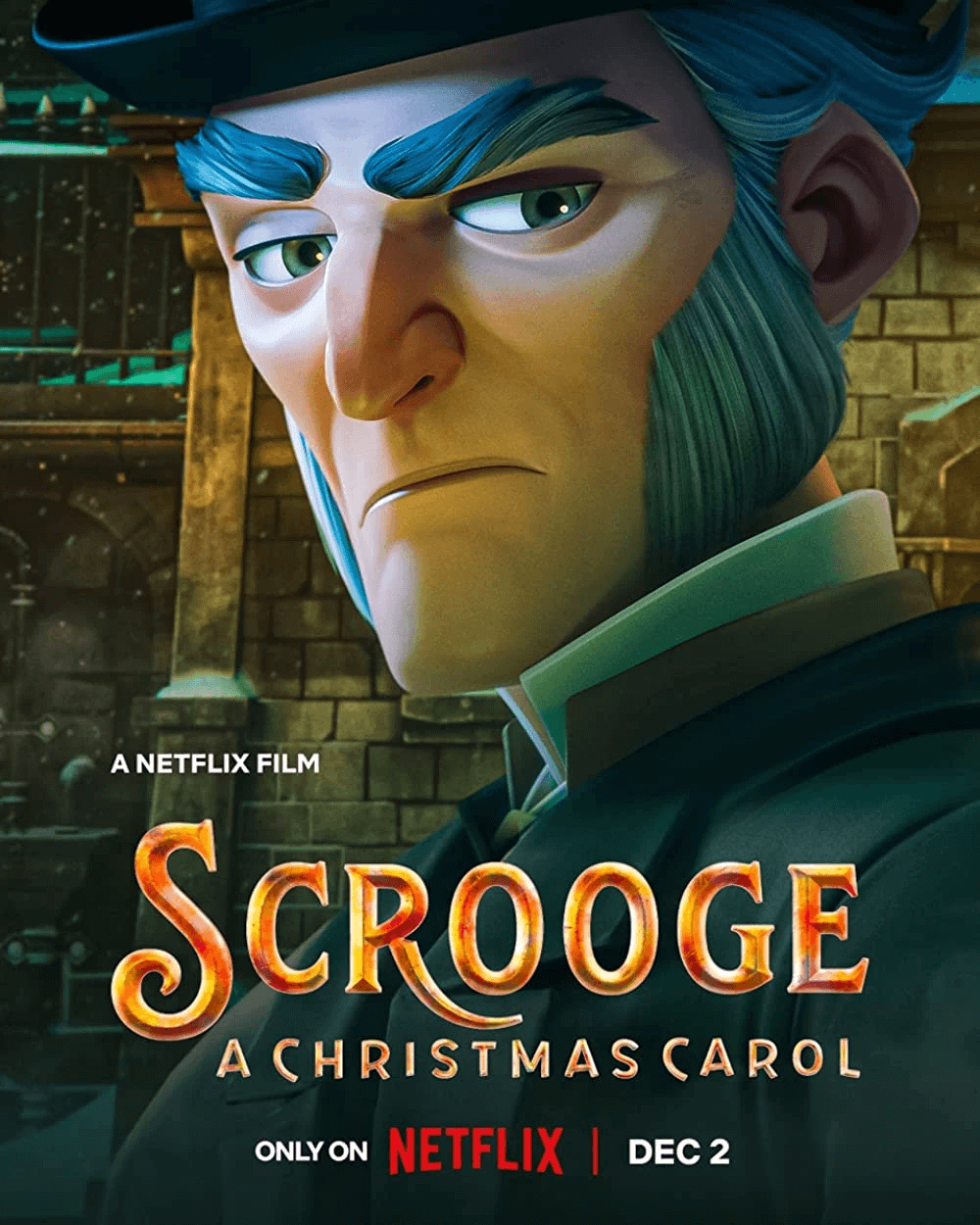
My name is Iván M. Benítez Sanz, and I am a Lighting & Compositing Artist in animated films. I have worked on projects such as Spider-Man: Across the Spider-Verse, PAW Patrol: The Mighty Movie, and Tadeo Jones 3.
My commitment with The Lighting Lab is to share my passion for this craft and pass on my knowledge to people who, like you, are also interested in this incredible world of cinematography. I believe that lighting is a character in itself, and it must be treated with care to create images that truly connect and convey emotion.
I also run a YouTube channel focused on Lighting, which is a perfect complement to my courses: Coloreando Frames.

PACK LIGHTING COURSE + DIGITAL COMPOSITING
Projects I have worked on



Level
No prior knowledge of Nuke or any node-based software is required, as everything is explained from scratch throughout the course.
Demo lessons
If you’d like to see what the course is like on the inside, here are some demo lessons:
Final project
Throughout the course, you will composite several basic shots to build a strong foundation.
As final projects, you will work on the compositing of an animation shot and a VFX creature shot, where you will apply everything you’ve learned and consolidate your skills in a production-like environment.
Why choose us?
Professional mentors
Our team is made up of industry professionals with years of experience at leading animation and video game studios such as MachineGames, Microsoft, Walt Disney Animation Studios, and Sony Pictures Imageworks, among others.
Learning by doing
Learn through hands-on projects and real-time exercises to develop skills that are directly applicable in the real world.
Personalized feedback
Learn through hands-on projects and real-time exercises to develop skills that are directly applicable in the real world.
You’ll receive feedback from the instructor, gaining valuable insights and personalized guidance to refine your techniques and improve your work.
Networking and community
Connect with other passionate creatives in the world of video games, expand your professional network, and collaborate on exciting projects.
Continuous updating
Stay up to date with the latest trends and technologies in the video game industry.
Digital compositing course
350€ + VAT (VAT only for people based in UE)
- Access to the community
- Over +10h of recorded lessons
- Group chat with the mentor.
- Ocasinal paintovers and daily feedback
- Basic compositing exercises
- Compositing a creature into an environment
- Final animated shot